Technology
Skip the Setup, Not the Learning: A Faster Way to Start Building Apps
This post is for new developers who lose momentum to setup before writing any real code. It argues that preparing a computer to build on and building the app itself are separate skills, and that learning both on a first project is why many people stall. It explains what a VM image is, why software setups break and cause “it works on my machine” problems, and how starting from a pre-configured image avoids this and lets you learn in stages. It then covers ntegral’s three day-one benefits: ready to use, sized to what you actually use, and secure from the start. Next comes pay-as-you-go pricing on Azure Marketplace, with per-second billing, budgets and auto-shutdown. It ends by positioning the images as hands-on practice for the AZ-104, AZ-204 and AZ-800 certifications.
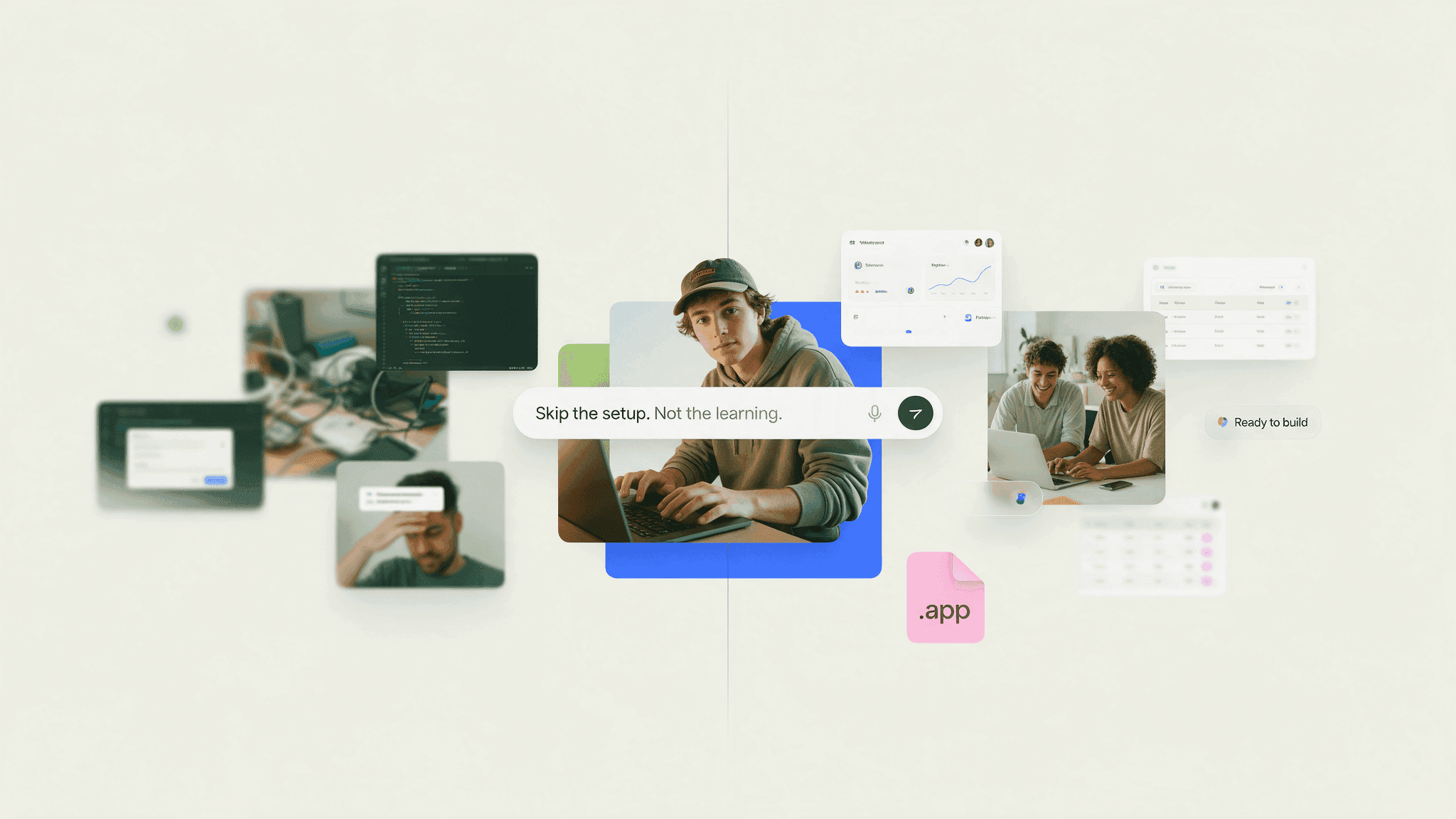
You’ve been there: You've got the idea. The tutorial is open. You're ready to get started on the app you’ve been thinking about night and day.
Then comes the setup.
Pick an operating system. Install the runtime. Configure the framework. Stand up a database, create a user, hit an authentication error, fix it, hit another one. Three hours later you haven't written a line of your actual app, and the momentum you started with is gone.
It’s not your motivation that’s fleeting – it’s the friction that set up causes that’s holding you back, and you’re not alone. It’s one of the most common reasons why first projects never get finished.
Here's the thing worth understanding early: configuring an environment and building an application are two different skills. Both are worth learning. But learning them simultaneously, on your first project, is why so many people stall.
A pre-configured virtual machine separates them, so you can build now and go deeper later.
What's actually in a VM image?
A virtual machine is a software-based computer running on cloud infrastructure. Same components as your laptop — operating system, memory, storage, applications — just somewhere else.
A VM image is the template that machine is created from. Think of it as a snapshot of a fully prepared system: OS installed, packages in place, settings applied, ready to be cloned into a running instance.
The difference matters more than it sounds.
A plain image gives you a bare operating system. You install everything else.
A pre-configured image gives you the OS and the stack on top of it, already assembled and tested together. Deploy it, connect, and the software is running.
One gives you a computer to configure. The other gives you an environment to build on.
Why environments break (and why this fixes it)
This is worth knowing regardless of which route you take.
Modern applications are stacks of dependencies. Your framework needs a specific runtime version. That runtime needs certain system libraries. Your database driver expects a particular client version. Change one piece and something three layers down stops working.
That's what "dependency conflict" means. It's not you being bad at this —it's genuinely fiddly, and experienced engineers automate it away precisely because it's so error-prone.
It's also where "it works on my machine" comes from. Two developers install the same tools, end up with slightly different versions, and get different results.
A pre-configured image solves this by fixing the combination in advance. The versions are known to work together because they were assembled and tested that way. You inherit a working configuration instead of assembling one and hoping.
Why start with a pre-configured VM?
When you are learning app development, your time is best spent applying concepts, solving problems, and seeing your ideas work.
A pre-configured VM can help you:
Start building sooner: Reduce repetitive installation and setup.
Learn through real projects: Put lessons into practice instead of stopping at tutorials.
Avoid common compatibility issues: Begin with technologies assembled into a working foundation.
Gain relevant cloud experience: Develop in an environment that introduces you to modern cloud workflows.
Experiment with confidence: Try new ideas without installing every tool on your personal computer.
Create work you can share: Build projects that demonstrate your growing capabilities to instructors and employers.
Ultimately, a pre-configured VM makes your route to development more productive.
Build first. Explore deeper as you grow.
You do not need to understand every layer of cloud infrastructure before you write useful code. In the same way that you do not need to build a laptop before creating a website, you do not always need to assemble an entire software stack before developing an app.
Starting with a prepared environment lets you learn in manageable stages:
Deploy an environment for your chosen workload.
Connect to the VM and review its documentation.
Build and test your application.
Explore how the software and infrastructure work together.
Customize the environment as your skills and project develop.
By beginning with something that works, technical concepts gain context. Frameworks, databases, networking, security, and deployment become parts of an application you understand—not just isolated definitions.
What could you build?
Your project will depend on the VM product and technology you choose, but approachable ideas include:
A personal website or developer portfolio
A web application
A REST API
A database-driven project
A data dashboard
An automation tool
A testing sandbox
A startup prototype or proof of concept
A small project can teach you how to plan features, write and test code, solve errors, manage resources, and improve an application. It can also give you something concrete to discuss in a class, share online, or explain during an interview.
Build cloud skills from your first project
Using a VM is not only about convenience. It can also introduce you to skills and habits used in professional development environments, including:
Working with Linux or Windows systems
Accessing remote environments
Deploying and testing applications
Using web servers, frameworks, and databases
Protecting credentials and managing access
Monitoring cloud resources and costs
Updating software and dependencies
Diagnosing problems outside a local machine
You do not need to learn all of these at once. Each project gives you an opportunity to add another layer of knowledge.
That is how confidence grows: not by knowing everything before you start, but by solving one real problem at a time.
Three things ntegral gives you on day one
It's ready
No installation marathon. No dependency archaeology. Your first session goes to your project.
It flexes with what you actually use
Most first-time cloud users over-provision. You're unsure what you need, you pick something generous to be safe, and you pay for capacity you never touch.
ntegral's VMs adapt to real resource usage. Start small for a class project. Scale when your app grows or your dataset expands. Don't pay for headroom sitting idle.
When you’re on a budget, that's the difference between experimenting freely and rationing every deployment.
It's secured from the start
Security is usually the last thing a new developer learns and the first thing that goes wrong.
A machine you configure yourself is exactly as secure as the settings you remembered to apply. When you're deep in a framework tutorial, you're not thinking about default credentials, open ports, or unpatched packages — and attackers scan for exactly those things, constantly, on anything exposed to the internet.
ntegral builds security into the image, so you start hardened rather than open.
Two things come out of that. Your project and your cloud account are protected while you're still learning what to look for. And you get to see what a properly configured system looks like — which is how you'll recognize it, and recreate it, when you're the one responsible.
You still own your credentials, updates, and access control. But you're maintaining a secure environment instead of trying to build one from nothing.
Pay as you go on Azure
Every ntegral image is listed on Azure Marketplace, on a pay-as-you-go basis. No upfront cost, no contract, no committing to a year of anything.
What that means in practice:
You pay for what you run. Azure meters compute by the second. Spin up a VM for a weekend hackathon, deallocate it on Monday, and the compute charges stop.
Deployment takes minutes. Find the image in the Marketplace, pick your size and region, deploy. It lands in your existing Azure subscription.
One bill. VM, storage, and networking all appear on the same Azure invoice. No separate accounts or payment methods to juggle.
Resize whenever you need to. Outgrown your instance mid-project? Change the VM size. Overestimated? Scale down. The environment follows the project, not the other way round.
Cost controls are built in. Azure Cost Management lets you set budgets and alerts, so you find out before a bill surprises you. Turn them on before you deploy, not after.
Auto-shutdown exists — use it. Azure can stop a VM on a schedule automatically. If you only work on your project in the evenings, this is the easiest saving you'll ever make.
Studying for an Azure certification? Deploy first, revise second.
If you're working toward AZ-104, AZ-204, or AZ-800, a meaningful chunk of what you're being tested on is compute. AZ-104 has an entire domain covering the deployment and management of Azure compute resources. You're expected to understand VM sizing, availability, disks, extensions, networking, and identity — not as trivia, but as things you can actually do.
The problem is that most people revise by reading about it.
You can read the documentation on VM sizes twenty times and still hesitate in the portal. The concepts only stick once you've deployed something, resized it, broken it, and fixed it.
Ntegral makes that first deployment trivially easy. Pick an image, deploy it from the Marketplace, and you have a live VM in your own subscription within minutes — a real environment to practice against instead of a screenshot in a study guide.
From there you can work through the things you can guarantee you’ll be asked about on the exam:
Deploying and resizing VMs
Configuring Network Security Groups and controlling what's reachable
Managing disks, snapshots, and storage
Connecting via SSH or RDP, and managing access properly
Setting budgets, alerts, and auto-shutdown
Monitoring with Azure Monitor
Backing up and restoring
And because it's pay-as-you-go, a revision session costs you a revision session. Deploy, practice, deallocate. Repeat next week with a different image.
Certifications open doors. Hands-on practice is what gets you through the interview behind them.
Certifications open doors. Hands-on practice is what gets you through the interview behind them.
Stop setting up. Start building. Deploy a secure, pre-configured VM from Azure Marketplace in minutes, and only pay for what you use. → ntegral.com